
Hello there! I'm starvingartist. I like making video game related art.

You can also find me on DeviantArt as starvingartist
Highlighted by starvingartist
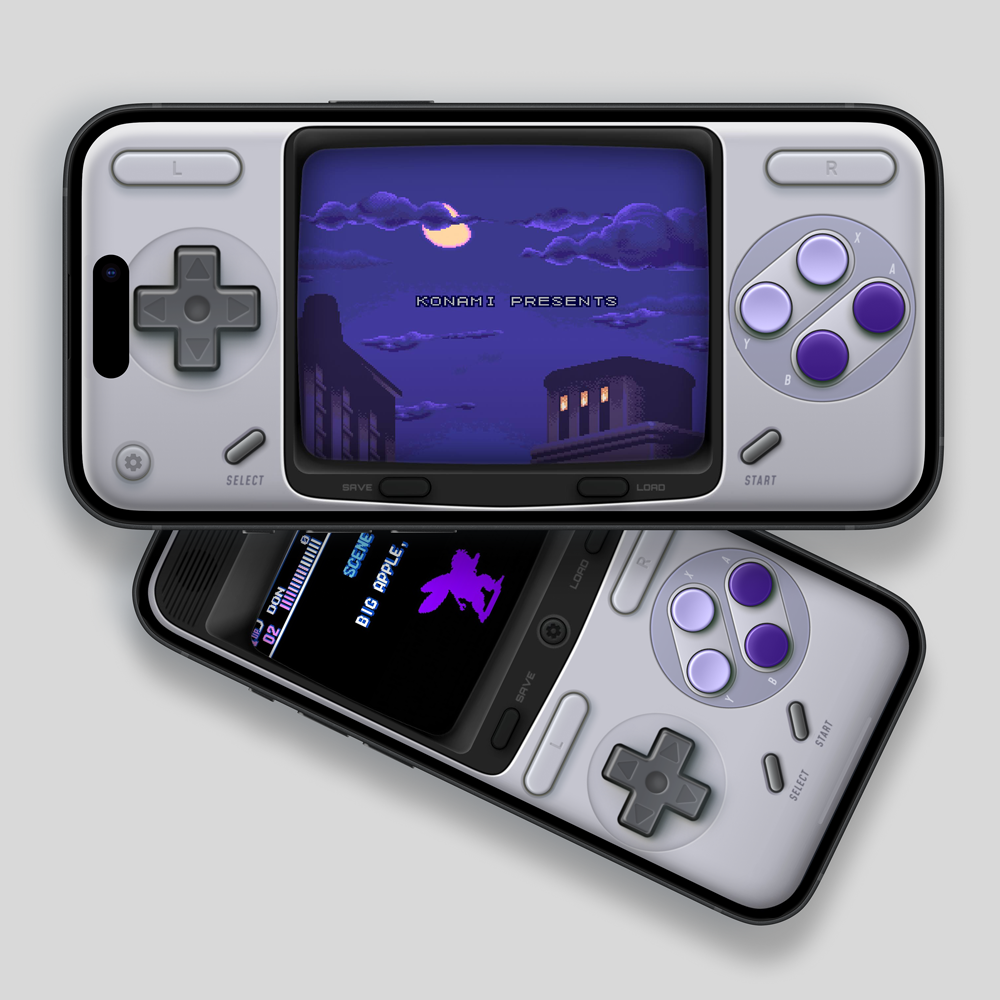
starvingartist's skins
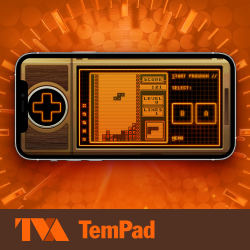
Hello TVA Agent. Play Game Boy Color games and open a Timedoor to any timeline using your new standard-issue TemPad. Retro-Futuristic Design: Enjoy a retro-futuristic orange screen with a scanline filter. Landscape mode for modern iPhones with FaceID only. Tap and hold the screen to fast forward through time. Time Variance Authority approved.Warning: May cause time-slipping....
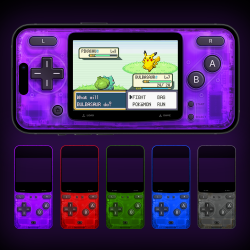
As a longtime fan of Nintendo's see-through hardware, I would like to share a series of new translucent skins for the Game Boy Advance. Choose from 5 fun colors: AtomicPurple FireRed LeafGreen WaveBlue SmokeGray Features: Portrait and Landscape modes on modern iPhones Portrait mode support for older iPhones QuickLoad and QuickSave buttons for convenient gameplay Tap and hold the screen to fast forward on modern iPhones Press between A and B buttons for A+B functionality If my emulator skins have added a little joy to your setup, you can buy me a coffee! Your support is always appreciated☕❤️ iPhone Teardown Internals Wallpaper by iFixit, is licensed ...
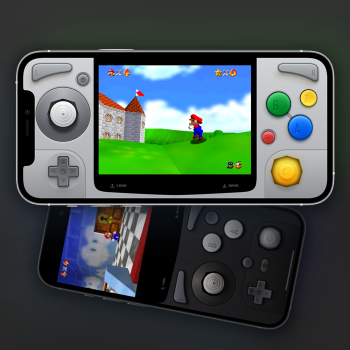
I wanted to share my latest project: a fun and colorful skin for the Nintendo64! It’s designed to highlight the main joystick and essential B and A buttons, while also including smaller secondary controls for games that need them. Try out the new dark mode inspired by the original Ultra64 prototype. Highlights: A compact D-Pad for precision A Gamecube-like C-Stick for smooth camera controls Switch to the classic C-Button diamond layout if that’s your style Dark Mode for Portrait and Landscape (with C-Stick and C-Button options) Works great with Manic's new Nintendo 64 support! Available Layouts: Portrait and Landscape for the latest iPhones Port...
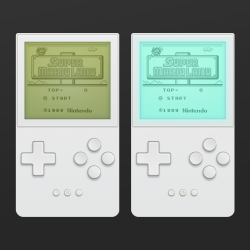
Play your monochromatic Game Boy games in a new way! I wanted to experiment with some overlay filters for the screen, trying out different looks and backlighting for classic devices on an Analogue-style device. LCD overlay styles: Dark (Game Boy) Medium (Game Boy Pocket) Light (iPod) Backlight overlay styles: Teal (Game Boy Light) Blue (iPod Mini with backlight) Green Press the main screen to quickly fast forward. Four button layout with inverted A and B buttons at the top. Press in-between the A and B buttons for A+B button. Compatible with edge-to-edge iPhones and iPhones with home buttons. Works best with old-school black & white Game Boy games. P...
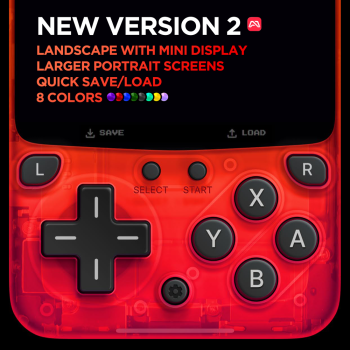
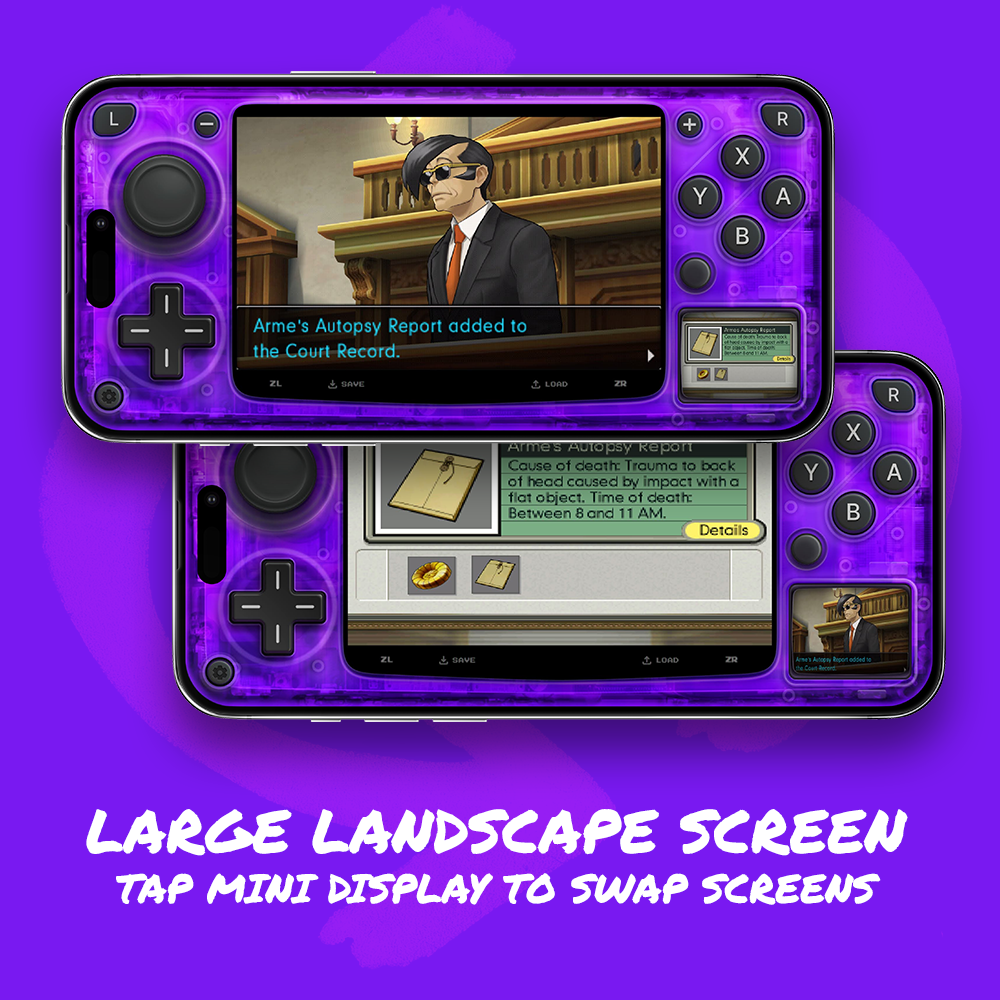
A brand new Version 2 for Manic. What's New: Landscape Mode with Mini Display Large widescreen layout Tap the mini display to swap screens Includes Dpad and thumbsticks Enhanced Portrait Mode Larger screens with a more compact control layout Tap the Fast Forward button (top left) to toggle Or press and hold the top screen to temporarily fast forward Quick Save / Load Button Press Animations Available in 8 Colors: Atomic Purple Fire Red Wave Blue Jungle Green Onyx Black Seaside Teal Sun Yellow Floral Lilac It's been nearly two years since the original release, and this update brings a fresh round of improvements. For now, the...
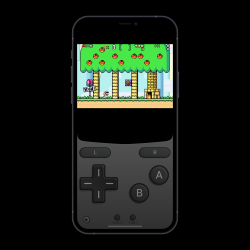
A dark-themed GBA skin for the Delta emulator for iOS. Includes standard and edge-to-edge sizes in portrait orientation. ...