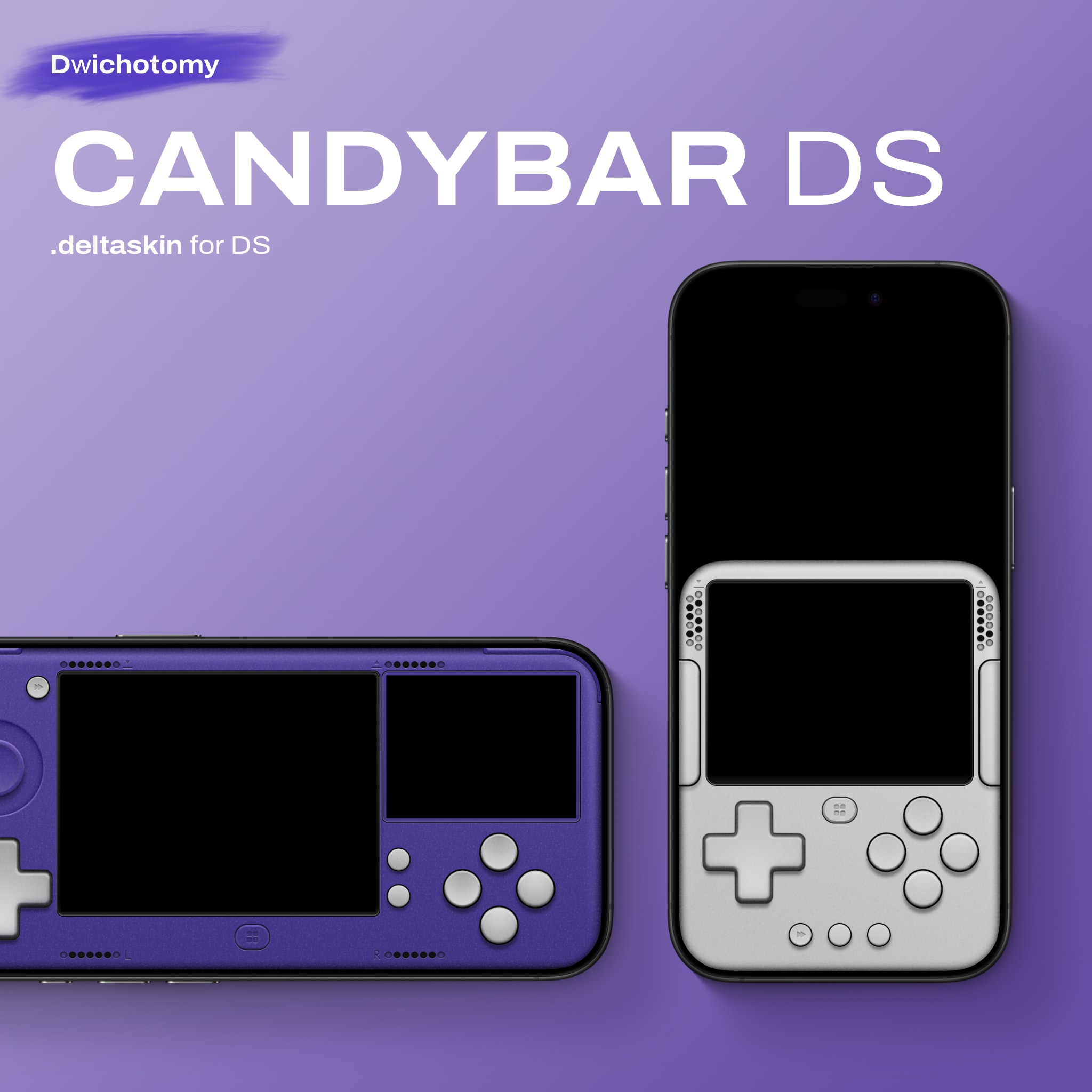
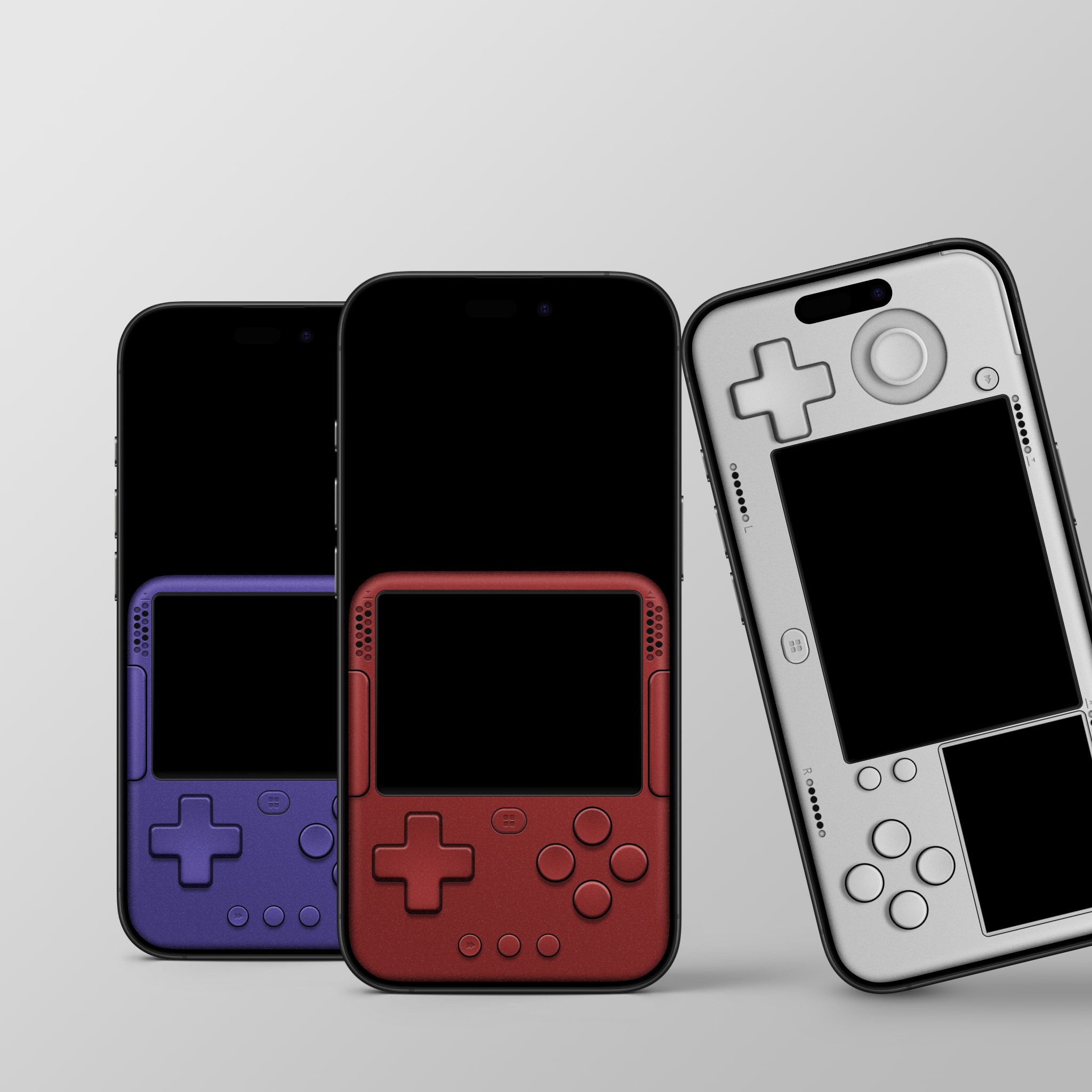
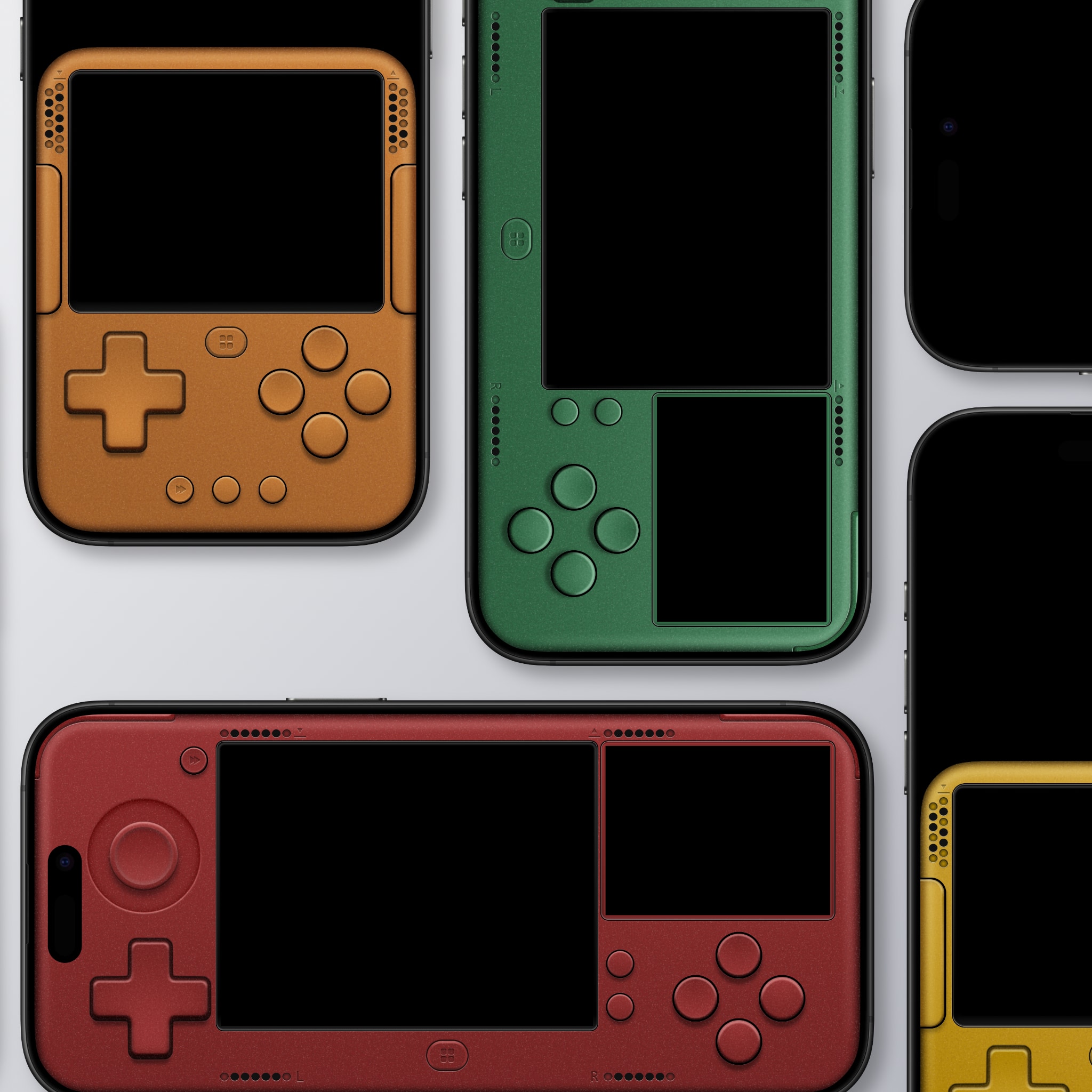
A minimalist DS skin for Delta.
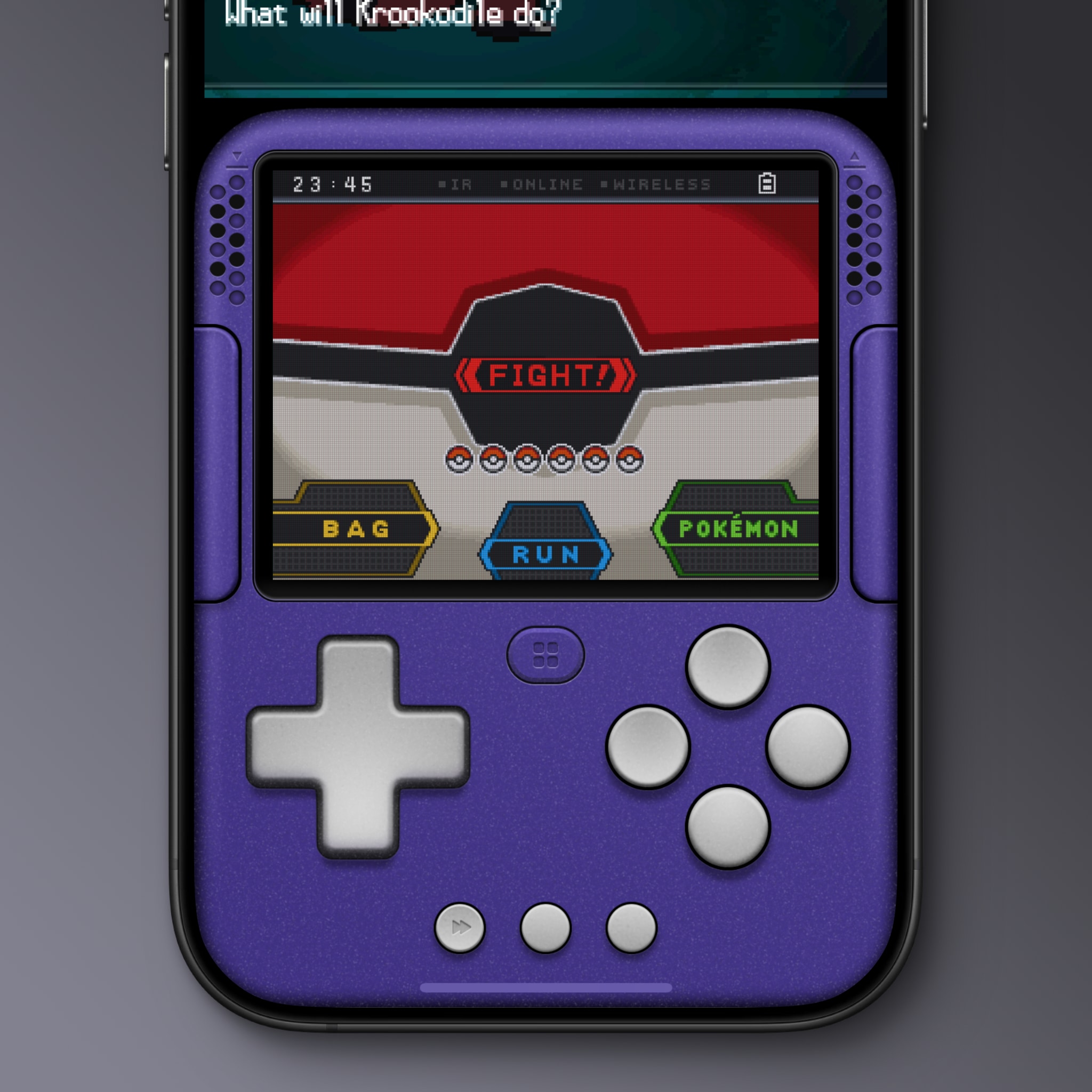
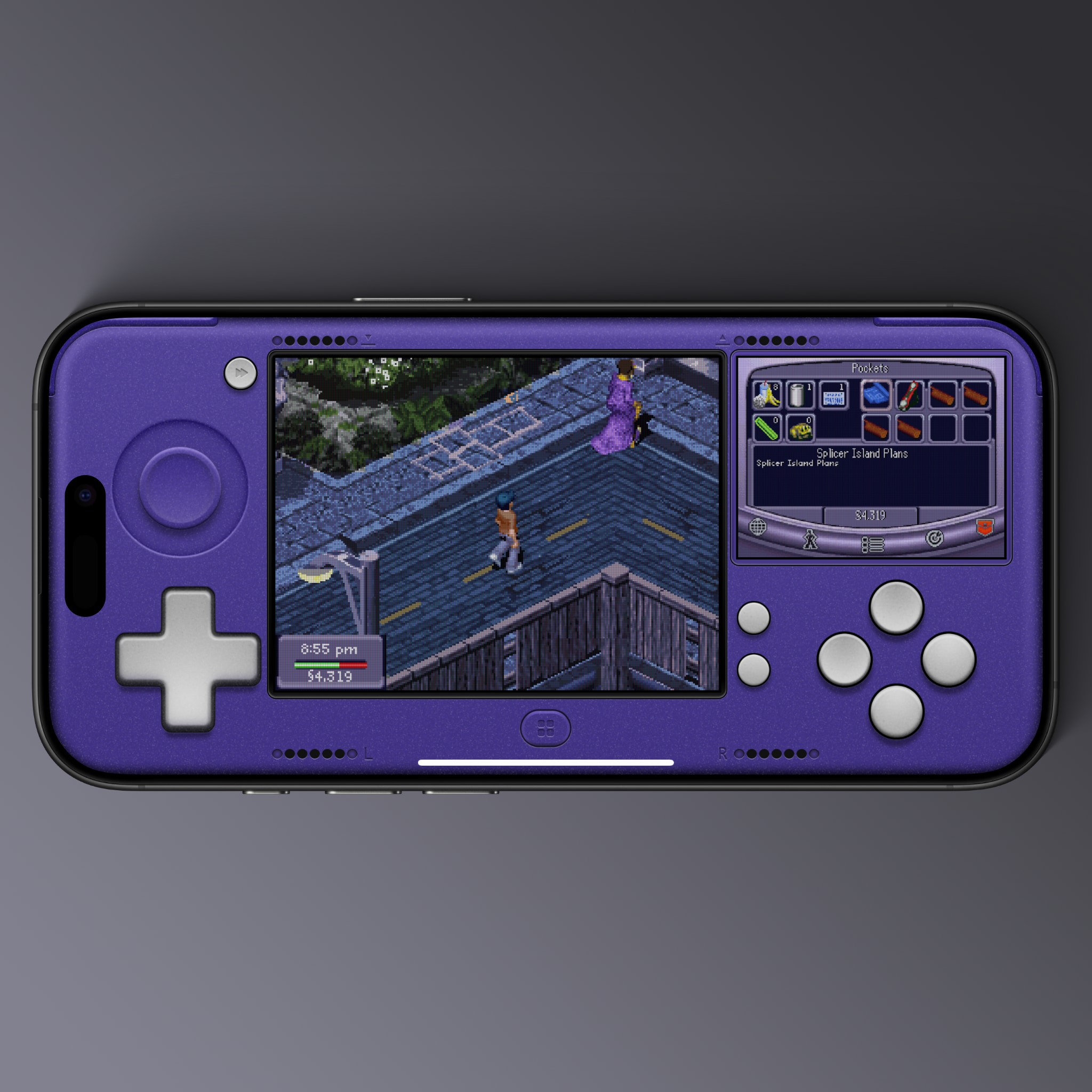
The design treats the top screen as an external display window while the bottom touch screen is integrated into the controller, creating the illusion of a unified hardware appearance.
- Available in 10 vibrant colorways.
- Display Variants:
- Default: Subtle custom pixel overlay with color fringing on the bottom screen only, providing an authentic hardware texture to the integrated display.
- Non-Filtered [Filter OFF]: Clean, raw pixels for maximum brightness and clarity on both screens.
- Hidden Shortcuts:
- Quick Save & Quick Load: Mapped respectively to the left and right outer edges of the speaker grills to prevent accidental triggers when using the bottom screen during gameplay.
- Fast Forward: Tap and hold anywhere on the top screen.
- Additional L & R Button: Hidden on the bottom corners for easy combo pressing with the face buttons.
- Natural thumb-roll combos for A+B and X+Y.
- Start+Select in the lower center gap between Start and Select to allow for easier soft resetting.
If you're vibing with the Candybar series and want to throw a little support my way for the effort, you can always buy me a coffee ☕️👀.
Mostly, I just hope you have fun playing. Enjoy the pixels!
Comments
Please log in to leave a comment.