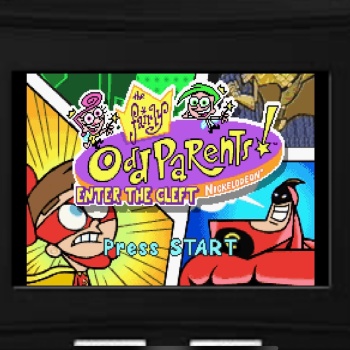
Gameboy Advance
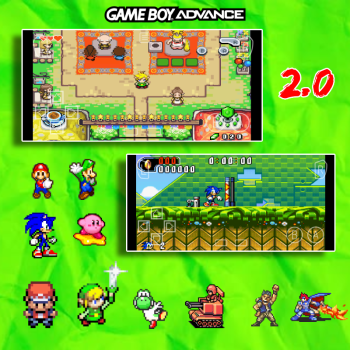
Same as the other one I made just with a different touchpad...
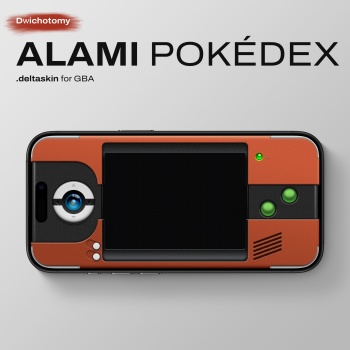
Halo halo! Just something that I made recently for all the trainers out there. Alami Pokédex is an immersive GBA skin based on the Pokémon gen VI Hoenn Pokédex design (which also is based on and looks a lot like GBA). Built exclusively for landscape mode to match the authentic shape of the hardware with some adjustments to make the layout logical, comfortable, and actually usable for gameplay. Landscape only. Display Variants: Default: With a custom pixel overlay with subtle color fringing to soften harsh HD pixels and provide a slightly dimmer, authentic display. Non-Filtered [Filter OFF]: Clean, raw pixels for maximum brightness and clarit...
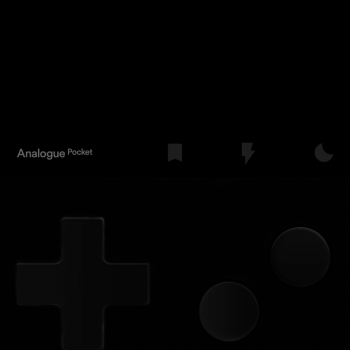
I created this AMOLED version inspired by the Analogue Pocket, based on the original version posted by Trufflegg a few years ago. I kept only the Quick Save function on the first button after the 'Analogue Pocket' text to prevent accidental misclicks. I expanded the screen to make it more comfortable for games that usually appear too small in portrait mode. I realize I’ve sacrificed the original Game Boy Advance aspect ratio slightly, but as mentioned, the goal was to improve playability on smaller screens and for games that are harder to see. Im not very familiar with creating filters for delta skins, so if anyone wants to contribute by adding filters to this ski...
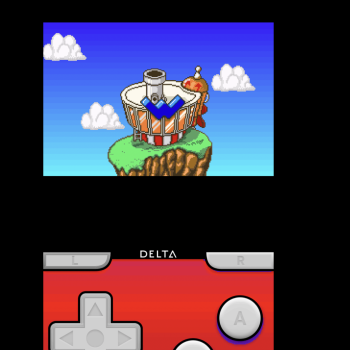
Use it, if this reaches between 10 to 1000 downloads, i'll make a skin for different console...
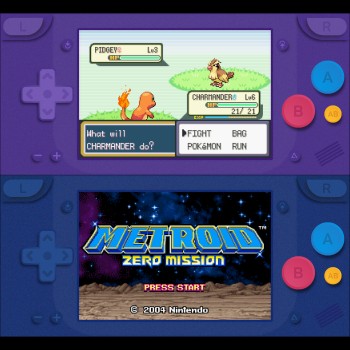
Matte GBA Skins For all iPhones Base Contents: Matte Emerald Matte Berry Matte Blue Extra Pack Contents: Matte Indigo Matte Navy Matte Violet Extra Pack Download Features: Largest possible game screen size Compatible with all iPhones with or without a notch AB Button Quick save/load buttons Invisible toggle fast forward button (Tap the game screen) Note: Don't forget to set the controller opacity to 100% to see the real colors....
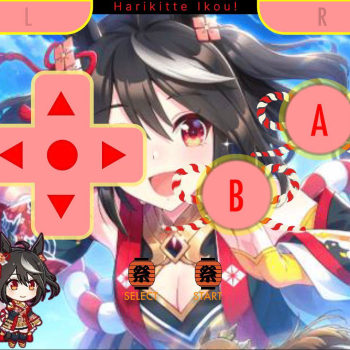
Im back with my second delta skin, this again is for the GBA! This skin was made with all my passion towards umamusume as it is one of my favourite franchises ever, I hope anyone who likes Umamusume can enjoy this skin! I enjoyed making this as Kitasan Black is one of my favourites ^^ This skin was requested by xhibou360. Feel free to dm dizzydayovt on discord for any skin requests, dont worry, requests are free and i wont charge you for the skin i create! ...
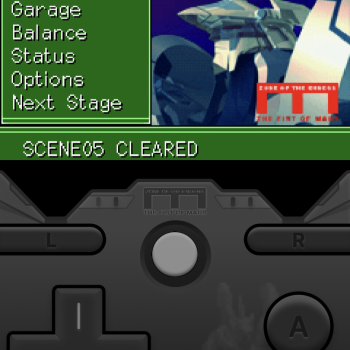
a quick skin i made to make playing the gba zone of the enders game more fun. for standard screens only, and its just portrait mode....
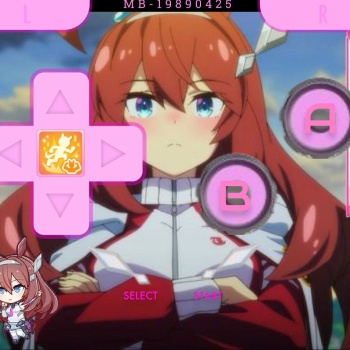
My first delta skin, This is for the GBA! This skin is a passion-made skin of my favourite character from the franchise Umamusume, i hope any like-minded people who like Mihono Bourbon or Umamusume as a whole can enjoy this skin. Please dm me on discord (dizzydayovt) for any character skins you want (doesn't just have to be Umamusume but if non-umamusume more details will need to be provided.)...
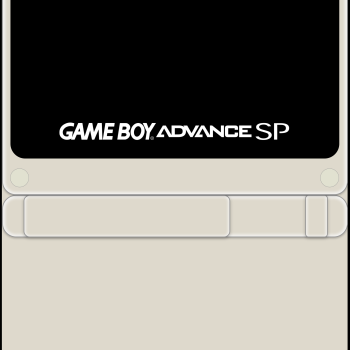
Minimal Gameboy Advance skin for use exclusively with the gamesir pocket taco or similar controllers. The skin tries to match the pocket taco color and aesthetics for a more immersive experience....
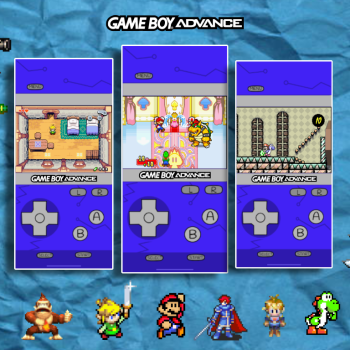
I made the background myself. This is actually an older skin, but I never made it public until now....
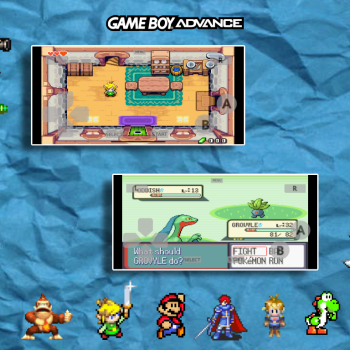
Both options are for your preference. Personally I love the widescreen....
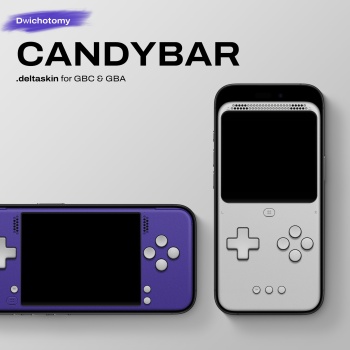
A minimalist GBA skin for Delta. Available in 10 vibrant colorways. Display Variants: Filtered: Includes a custom pixel overlay with subtle color fringing to soften harsh HD pixels and provide a slightly dimmer, authentic display. Non-Filtered [Filter OFF]: Clean, raw pixels for maximum brightness and clarity. Hidden Shortcuts: Quick Save: Mapped to the left side of the top speaker grill. Quick Load: Mapped to the right side of the top speaker grill. Fast Forward: Tap and hold anywhere on the game screen. A+B Combo: Hidden under the A button. Specifically tuned to prevent accidental misfires. Additional L and R Button: Hidden on the bottom corners for ...
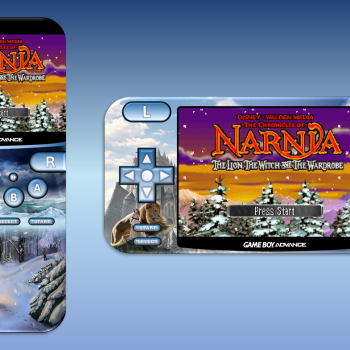
Features a skin for the fantasy series "The Chronicles of Narnia" for both portrait and landscape views. Was playing Narnia on GBA and thought it would be nice to have a Narnia skin. Features: Portrait and Landscape modes on modern iPhones Fast forward button (double arrow) Menu button (GBA logo) Narnia Art if you're a fan of the fantasy series Hope this skin is good, I tried my best to give it a Narnia retro vibe...
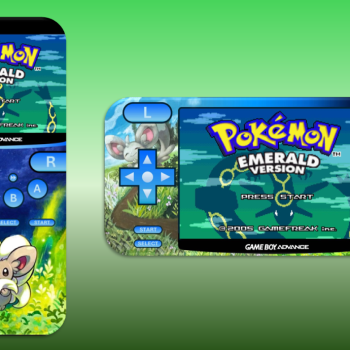
Features the fluffy Pokemon "Cinccino" for both portrait and landscape views. I made this cause there's not many other Pokemon skins other than the starters and legendaries. Features: Portrait and Landscape modes on modern iPhones Fast forward button (double arrow) Menu button (GBA logo) Cinccino Art if you're a fan of the pokemon Just my first attempt at making Delta skins, hope it's good :D...
This is a minimalistic skin, with focus on ergonomic when using in landscape mode without controllers....
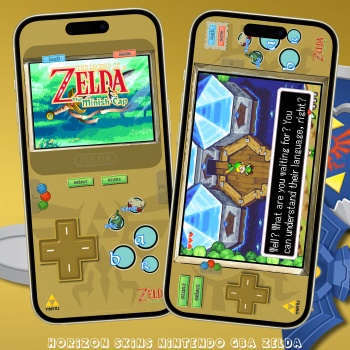
This NINTENDO GBA skin is for both ZELDA: LINK TO THE PAST & ZELDA: MINISH CAP with custom buttons for varuius actions. They both have FastForward, QuickLoad, QuickSave, all seem to work well. Compatibility Edge to Edge Display, iPhone X and above so anything higher should be fine. Not compatible with iPhone SE Gen 1-3. Tried to keep the screens as BIG in landscape as much as I could, it's even bigger than my other skins!!! There are two skins one for LTTP and one for Minish Cap as both vary in buttons used. Custom shortcut buttons for MAP & ITEMS/COLLECTION as well as Ezlo (Minish Cap) The screen is the FastForward button. Hidden 'R' button in portrait &...
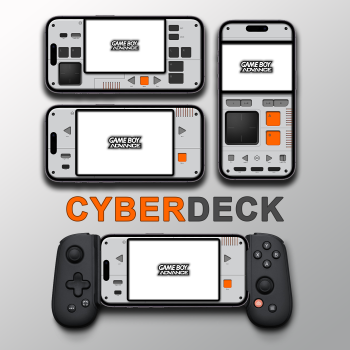
Works on edge-to-edge screens Includes Quick Save/Load Add support for the Toggle Fast and Fast buttons Works in landscape and portrait It works on the controller Portrait / Landscape Basic : Cyberdeck-GBA.deltaskin Controller for Controller : Cyberdeck-forController-GBA.deltaskin // Tested on iPhone 14...
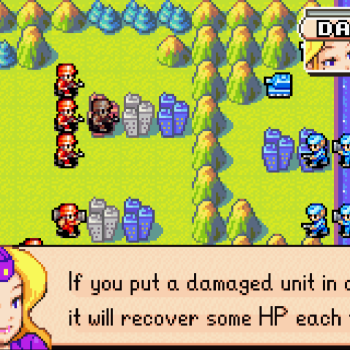
This is a modification of the standard GBA landscape, edge to edge template with clean game screen (no buttons on top of it). My goal is to utilize the full height of the screen in landscape mode, while having no control button interfering the game display. To achieve this, the screen is slightly moved to the right, the control on the right side organized in a small single column (Start, R, A, and B buttons). The space to the left is then filled with the Select, L, D-Pad, and Menu. The D-Pad have to be reduced in size so it would not go over the screen. I also remove the A+B buttons, but it might be added back in the future. For now, I see no need of it. Note: The notch ...
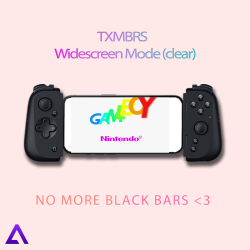
I'm bringing you my first creation here This skin turns every GBA game into a fake widescreen version...